technical seo
How to Use Bing Webmaster Tools for SEO Success
You've tried every SEO tool under the sun, from the big names to the niche solutions, yet your traffic graphs remain stubbornly flat. There's frustration in…
Published: 8/1/2026
How to Use Bing Webmaster Tools for SEO Success
You've tried every SEO tool under the sun, from the big names to the niche solutions, yet your traffic graphs remain stubbornly flat. There's frustration in knowing you have the tools and data but still can't crack the code of Bing's elusive search rankings. You've invested time and effort, but the problem persists, and you're left wondering why.
Here’s the real kicker: ignoring Bing means ignoring a potential audience of 900 million monthly users. That's a crowd you can't afford to overlook, especially when optimizing for Bing could make a significant difference in your traffic. Imagine capturing even a fraction of that audience - it’s a game changer for any business looking to scale its online presence.
By the end of this article, you'll know how to use Bing Webmaster Tools to change those stagnant traffic lines into a surge of visibility. You'll learn which features drive real growth, avoid common missteps, and understand the critical actions that turn insights into rankings within weeks. This is about actionable steps, not generic advice you'll never use.
Ready for a slice of the billion-strong pie? Imagine capitalizing on the SEO platform your competitors might ignore. Start now, and you'll be setting the pace, not struggling to catch up.
⚡ Quick Answer
- 🏆 Best overall: Site Scan Tool: Comprehensive audits for technical SEO
- 💸 Best budget: Keyword Research: Free insights into search volumes
- 🚀 Best for backlink analysis: Backlink Tool: Analyze referring domains effectively
Why Bing Webmaster Tools Matter
Bing Webmaster Tools offer insights you won’t find elsewhere. Ignoring Bing's platform means missing out on a significant user base. While most SEO tools focus on Google, Bing brings unique insights that can enhance your site’s performance. Ignore Bing at your peril; it's not just a Google world.
| Factor | What It Measures | Why It Matters | How to Evaluate It | Weight/Priority |
|---|---|---|---|---|
| SEO Insights | Search performance data | Uncover unique ranking opportunities | Check Bing's SEO reports | High |
| Traffic Opportunities | Potential audience size | Reach untapped user segments | Analyze traffic trends | Medium |
| Competitive Advantage | Rival performance issues | Identify gaps your competitors miss | Conduct a site comparison | High |
| Technical SEO | Site health and crawlability | Avoid indexing problems | Run site audit | High |
| Mobile Friendliness | User experience on mobile | improve for growing mobile traffic | Check mobile usability reports | Medium |
Unique Insights, Overlooked Bing's SEO tools highlight opportunities ignored by others. Analyze these to improve your SEO strategy.
Without Bing, you're flying blind on a large segment of the web. Dig into Bing’s insights before diving into their getting started guide, and ensure you’re capturing all available traffic opportunities. Now, let's get you started with Bing Webmaster Tools.
Getting Started with Bing Webmaster Tools

Skipping setup means missing insights. Here's the full process:
| Step | Action | Time Required | Common Mistake | Expected Result |
|---|---|---|---|---|
| 1 | Sign up for a Bing Webmaster Tools account | 10 min | Using incorrect email | Access to the Bing dashboard |
| 2 | Add your website URL | 5 min | Entering an incomplete URL | Website added to account |
| 3 | Choose a verification method | 5-10 min | Skipping verification | Verified site ownership |
| 4 | Confirm site details and save | 5 min | Ignoring mobile settings | Accurate site data collection |
Account Setup
Most users fumble at the start. Creating an account in Bing Webmaster Tools is straightforward. Begin by signing up with a Microsoft account. The process takes less than ten minutes. Many users trip up by entering incorrect emails or skipping verification steps, both fatal errors.
Site Verification
Verification isn't optional; it's vital. This step ensures Bing can collect accurate data from your site. You have choices: add a meta tag to your homepage, upload an XML file, or verify via DNS. Choose wisely, as each has its pitfalls. Missing this step means flying blind in SEO.
Verification Shortcut DNS verification might seem complex, but it's often the most reliable. Avoid HTML or XML if you're unfamiliar with coding.
Dashboard Overview
The dashboard is your command center. It offers a comprehensive view of your site's performance, backlink details, and keyword rankings. However, clutter is a common issue. Most users overlook prioritizing data, leading to overwhelmed decision-making. Focus on key metrics that drive your strategy.
With the setup complete, it's time to turn the insights into action. Understanding the core features maximizes your SEO potential, which we'll dive into next by exploring the key features of Bing Webmaster Tools.
Maximizing SEO with Key Features
Site Scan
Most neglect the power of a Site Scan. That's a mistake. Site Scan rapidly detects technical issues that could sabotage your SEO strategy. It's like running a health check on your site, ensuring it's performing optimally. This function spotlights issues like broken links and missing tags, which can cripple your visibility. Efficient site performance means more traffic. And don't ignore mobile friendliness - it's a ranking factor you can't afford to skip.
Issues Hiding in Plain Sight Site Scan often reveals problems that are invisible during routine checks. Use Bing Webmaster Tools to unearth these hidden flaws.
Before diving into other features, ensure your site is technically sound. You'll save time fixing content issues later.
Keyword Research
Underestimating Keyword Research costs you traffic. It's not just about generating a list of potential keywords. The real value is in the search volume data it provides. Armed with this, you can target terms that truly drive traffic. Don't get sidetracked by generic terms with high competition. Focus on specific keywords that align with user intent and site goals. For a deeper dive, worth watching YouTube · TM Blast's breakdown of this.
Next up, tackle backlink analysis. That's where the real shift in rankings happens.
Backlink Analysis
Backlink Analysis is your competitive intelligence tool. Track your backlink profile to understand how it stacks up against competitors. Sites often stagnate when they ignore this aspect. Quality backlinks can elevate your authority and improve rankings. This tool highlights which sites link to you and the status of those backlinks. Regular analysis prevents potential losses in visibility.
Ready to identify where your strategy might falter? Here is common pitfalls and how to handle them without tripping.
| Option | Key Difference | Best Use Case | Main Limitation | Price |
|---|---|---|---|---|
| Site Scan | Fast issue identification | Technical SEO audits | Surface-level analysis | Free |
| Keyword Research | Search volume insights | Targeted content creation | Inaccuracies in niche topics | Free |
| Backlink Analysis | Comprehensive link tracking | Authority building | Limited historical data | Free |
Video: How to Use Microsoft Bing Webmaster Tools to Increase Your ... (YouTube · TM Blast)
Common Pitfalls and How to Avoid Them

Ignoring Mobile Friendliness
Think desktops rule the web? Think again. Mobile optimization is crucial for ranking. A site that lags on mobile loses users and rankings. Google and Bing prioritize mobile-friendly sites. Use Bing's Mobile Friendliness Test to see where you stand. Don’t let slow load times and unresponsive design tank your traffic.
Mobile First, Always Check Bing's Mobile Friendliness Test to ensure optimal site performance on mobile devices. If your site isn't mobile-friendly, fix it fast.
Overlooking Backlink Quality
It's not about the number of backlinks; it's about quality. Low-quality backlinks can damage your site's ranking. Focus on analyzing backlink quality rather than quantity. Use Bing's backlink analysis tools to eliminate toxic links. Remember, one authoritative link beats dozens of spammy ones.
Quality Over Quantity Run regular backlink analysis to identify and disavow harmful links. High-quality backlinks propel your SEO forward.
Misinterpreting Data
Data tells a story. Misreading it is your downfall. Bing Webmaster Tools offers insights, but understanding them is key. Don't just stare at numbers-interpret them. Run site audits and technical SEO checks regularly. Spot patterns, not just metrics. React to traffic dips by refining your strategy.
| Factor | What It Measures | Why It Matters | How to Evaluate It | Weight/Priority |
|---|---|---|---|---|
| Mobile Friendliness | Site's responsiveness on mobile devices | Impacts ranking and user experience | Run Bing's Mobile Friendliness Test | High |
| Backlink Quality | Authority and relevance of backlinks | Enhances or damages SEO | Use Bing's backlink analysis tool | High |
| Data Interpretation | Understanding site metrics and analytics | Informs strategic decisions | Analyze trends in Bing Webmaster Tools | Medium |
Avoid these pitfalls, and you'll use Bing Webmaster Tools effectively. It’s not just about having tools; it's about using them right. Stop guessing. Start knowing.
Where All These Tools Stop Short
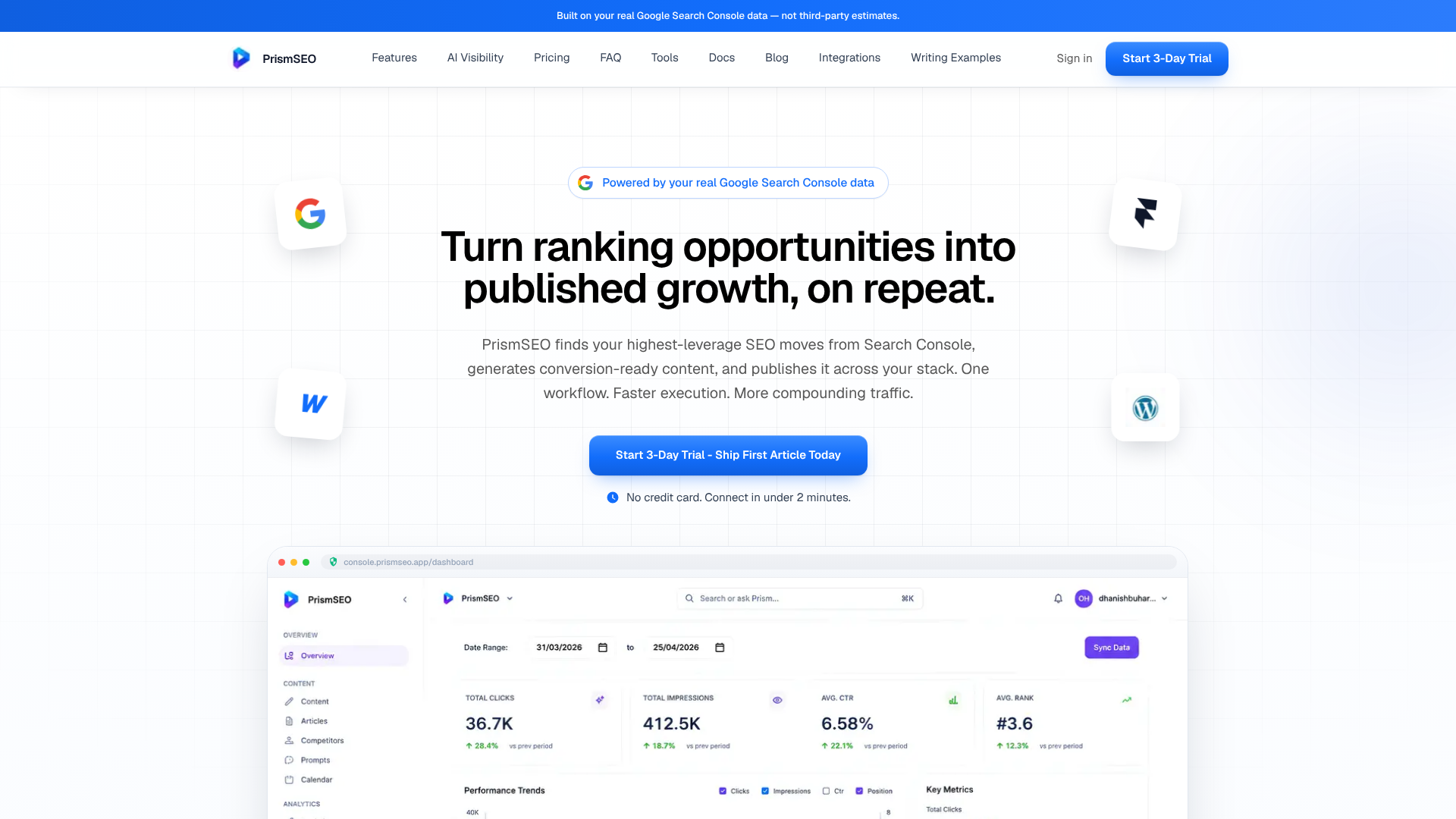
Bing Webmaster Tools offer a strong platform for understanding your site's health, setting up your SEO strategy, and identifying optimization pitfalls. They excel at providing in-depth data and insights that are crucial for any webmaster. However, all this powerful data still leaves a crucial gap: the transformation of these insights into actionable, revenue-generating content. This is where PrismSEO steps in. Rather than just analyzing data, PrismSEO turns your Google Search Console insights into prioritized opportunities. It helps you generate high-quality, expert-sounding articles and facilitates one-click publishing, ensuring your team maintains a steady flow of traffic growth. By doing this, PrismSEO doesn’t just add to the data overload. It closes the execution loop, providing one simplify workflow that connects keyword signals to published pages, effectively turning search data into consistent business growth.
Frequently Asked Questions
Q1: How do I use Bing Webmaster Tools for SEO?
use tools like Site Scan for technical audits, Keyword Research for search insights, and Backlink Analysis to improve your site's SEO.
Q2: What are the key features of Bing Webmaster Tools?
Key features include Site Scan for technical SEO, Keyword Research for search volume insights, and Backlink Analysis for referring domain data.
Q3: Is Bing Webmaster Tools free?
Yes, Bing Webmaster Tools are completely free to use, providing valuable insights without any cost.
Q4: How can Bing Webmaster Tools improve my site's traffic?
By using tools like Keyword Research and Site Scan, you can improve your site for better visibility and increased traffic.
This article was researched and drafted with PrismSEO, then reviewed before publishing.